

STP Computer Education: Courses, Fees, Benefits & Career Opportunities
Millions of Indians want to learn computer skills but can’t afford expensive coaching centers. STP Computer Education was built to solve exactly this problem.
It’s a Delhi-based training platform that offers computer courses in Hindi, completely free of cost. Students get access to video lessons, practice material, and certificates that they can add to their resumes.
This guide explains what STP Computer Education actually is, what it teaches, how to join, and whether it’s worth your time. You’ll also find honest pros and cons, so you can decide with clear eyes.
What Is STP Computer Education?
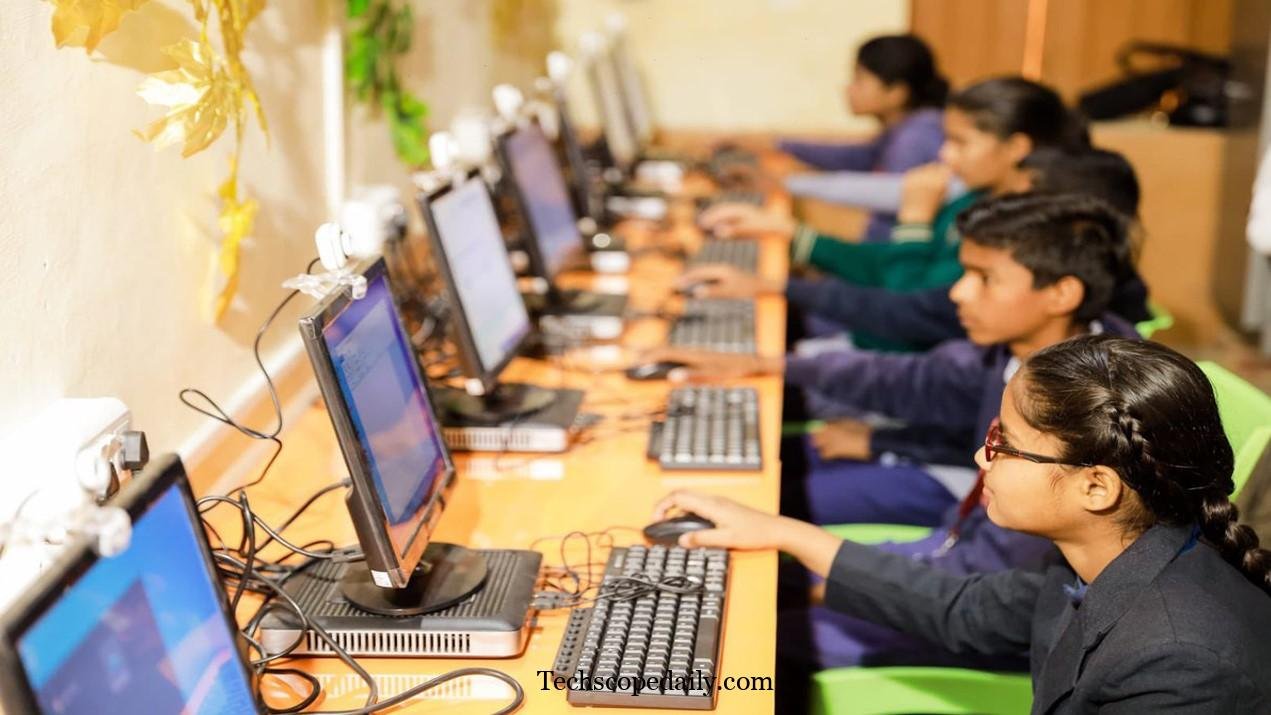
STP Computer Education stands for Software Programming Computer Education. It’s an online learning platform that teaches computer skills through Hindi-language video lessons, aimed mainly at Indian students, job seekers, and small business owners.
The platform reports that it has trained thousands of learners across India, from students in small towns to working professionals looking to upskill. Courses are delivered through the official website, a YouTube channel, and an Android app, so learners can study on a laptop or a basic smartphone.
The core promise is simple: no fees, no hidden charges, and a certificate at the end.
This matters in a country where many families still see computer classes as a luxury. By removing the cost barrier and teaching in Hindi instead of technical English, STP tries to reach learners that most paid institutes overlook.
Who Founded STP Computer Education?
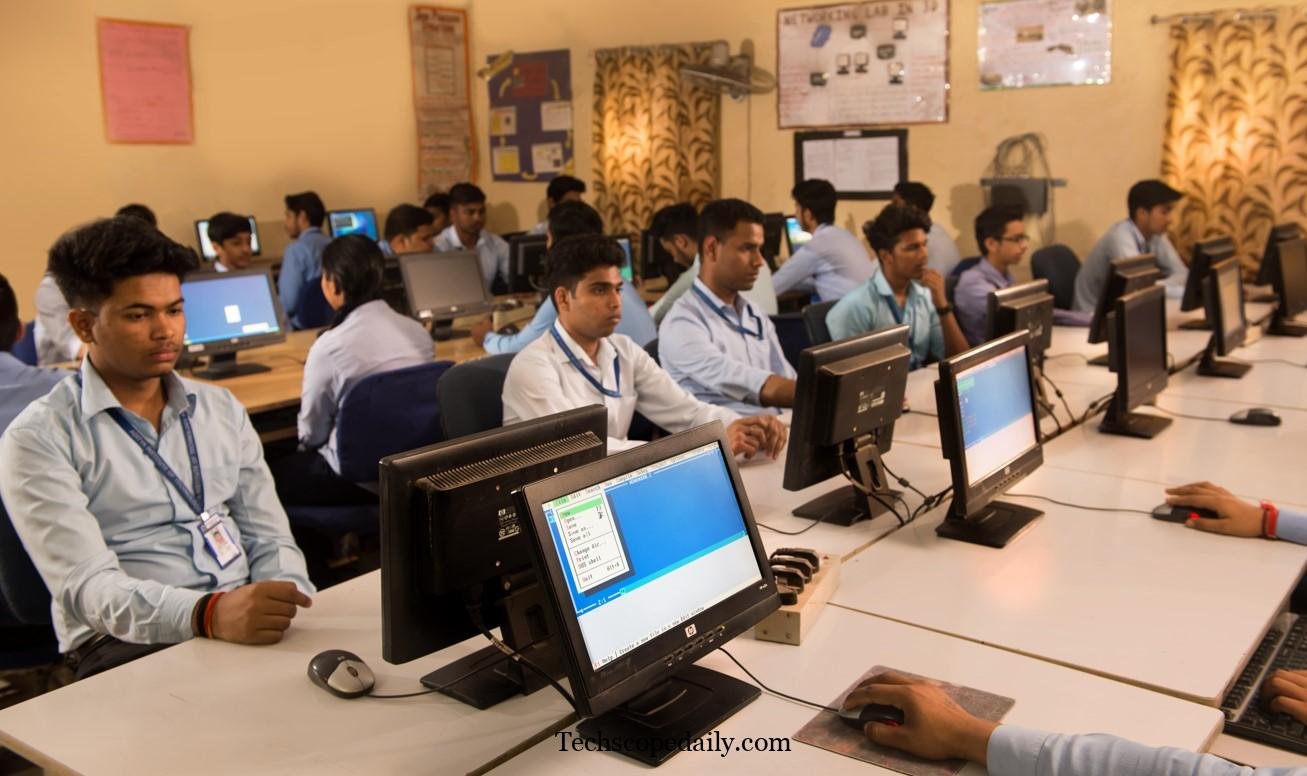
STP Computer Education was founded by Amit Kumar, a software engineer who wanted to make computer literacy accessible to people who couldn’t afford traditional training fees.
The platform’s head office is located in Patel Nagar, New Delhi. From there, it has grown into a nationwide initiative that focuses heavily on Hindi-medium instruction, since English-only computer courses can be a real barrier for many first-generation learners.
Some sources note that STP Computer Education claims ISO 9001:2015 certification and MSME registration with the Government of India. These credentials are often mentioned to build trust with new learners, though it’s always smart to verify current certification status directly on the official website before relying on it for formal applications.
Read More: VocalNewsMedia com
Courses Offered by STP Computer Education
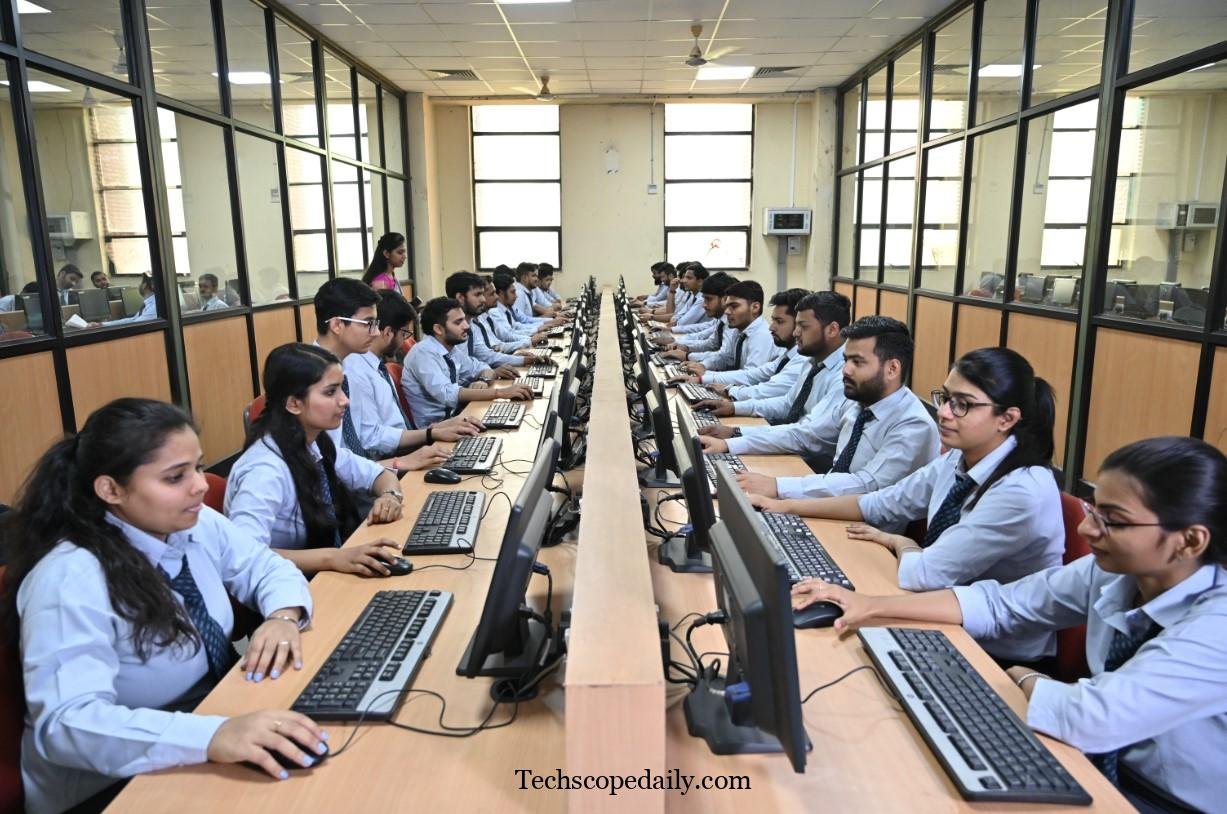
STP Computer Education covers a broad mix of beginner and intermediate-level computer skills. Common course categories include:
- Basic Computer Course (CCC-style) – mouse and keyboard use, MS Office basics, internet fundamentals
- Tally with GST – accounting software widely used by small businesses in India
- MS Excel, Word, and PowerPoint – office productivity tools for jobs and business
- Photoshop and Graphic Design – image editing for freelancers and small studios
- Web Development Basics – HTML, CSS, and introductory coding concepts
- Typing Skills – English and Hindi typing practice for office readiness
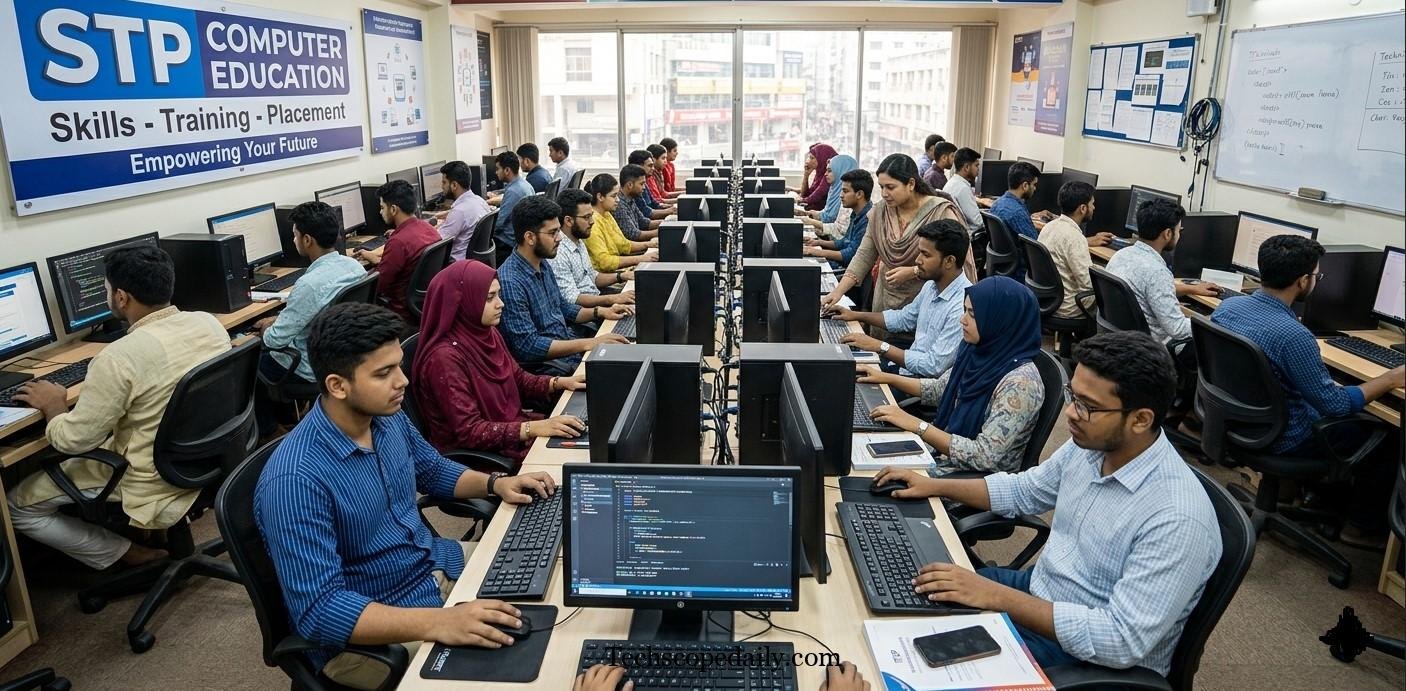
Each course is broken into short video lessons, so learners can study a few minutes at a time instead of committing to long sessions. This format works well for students juggling school, jobs, or household responsibilities.
How STP Computer Education Works
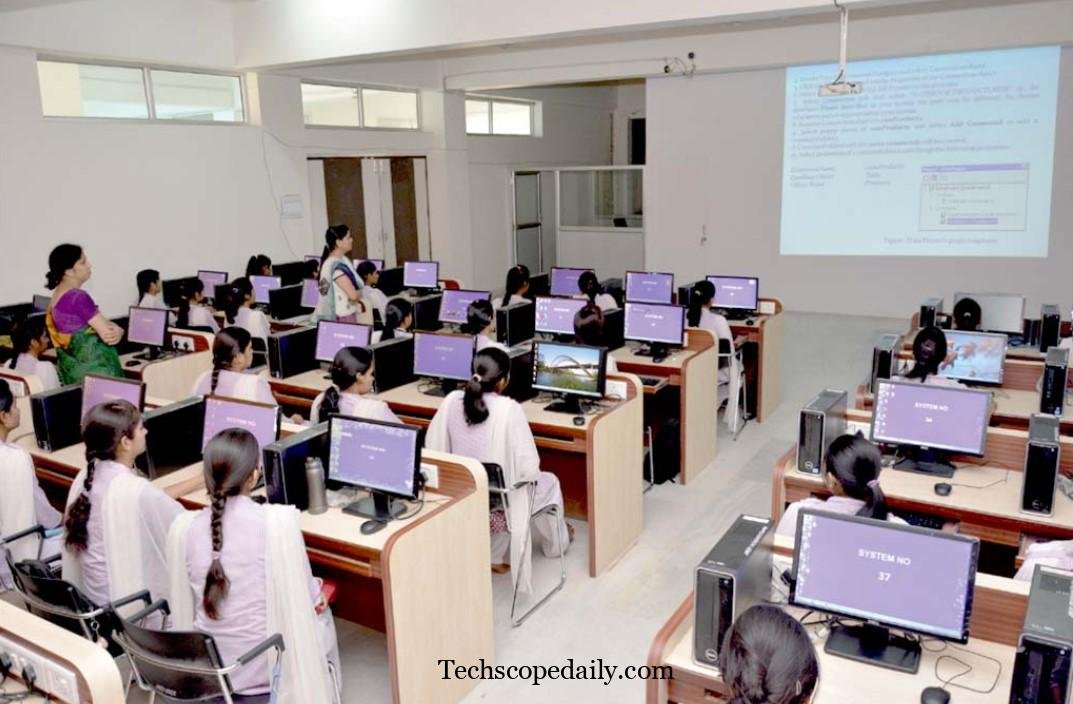
The learning process on STP Computer Education is designed to be simple, even for someone who has never touched a computer before. Here’s the general flow:
- Visit the platform – Access lessons through the official website, YouTube channel, or the STP Computer Education Android app.
- Pick a course – Choose from the available categories based on your goals, whether that’s Tally for accounting jobs or basic computer literacy.
- Watch video lessons – Lessons are explained in simple Hindi, avoiding technical jargon wherever possible.
- Download for offline use – The mobile app allows learners in areas with weak internet to download lessons and watch them later.
- Complete the course – After finishing the lessons, learners can request a certificate through the platform.
Because the courses live online, there’s no fixed classroom schedule. This flexibility is one of the biggest reasons the platform appeals to working adults and homemakers who can’t attend fixed-time coaching classes.
Certification and Its Real-World Value
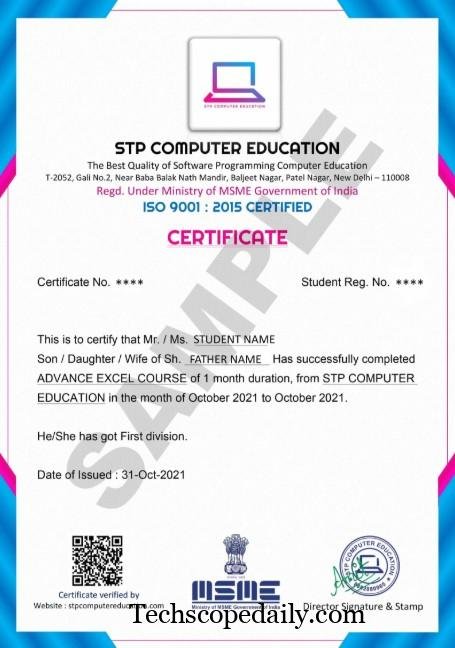
At the end of a course, STP Computer Education issues a certificate of completion. The platform states that these certificates are useful for job applications and can strengthen a resume, especially for entry-level roles that require basic computer literacy.
That said, it’s important to set realistic expectations:
- Free certification platforms are generally not equivalent to government board certifications like NIELIT or state-level CCC certificates.
- Certificates work best as supporting proof of skill, not as a replacement for formal qualifications required by government job applications.
- For private-sector roles like data entry, office assistant, or retail billing, a completion certificate combined with demonstrated skill (like fast, accurate typing or working knowledge of Excel) often carries more weight than the certificate paper itself.
If you’re applying for a government job or an exam that specifies a particular certification body, always double-check the accepted list of certificates before assuming any free-course certificate will qualify.
STP Computer Education vs Traditional Computer Institutes
Here’s how STP Computer Education generally compares with paid, offline computer training institutes in India.
| Feature | STP Computer Education | Traditional Paid Institute |
| Cost | Free | ₹3,000–₹20,000+ depending on course |
| Language of Instruction | Hindi (primarily) | Often English or mixed |
| Mode of Learning | Online (video, app) | Mostly offline, classroom-based |
| Flexibility | Learn anytime, anywhere | Fixed class timings |
| Hands-on Practice | Limited, self-guided | Often includes supervised lab practice |
| Certificate Recognition | Platform-issued, informal value | Depends on institute; some are government-affiliated |
| Doubt-Solving Support | Limited or community-based | Direct access to trainers |
| Best For | Self-motivated learners on a budget | Learners who need structured guidance and accountability |
Neither option is universally “better.” The right choice depends on your budget, learning style, and how much hands-on guidance you need to actually finish a course.
Pros and Cons of STP Computer Education
Pros
- Completely free – No tuition fees, which removes the biggest barrier for many learners.
- Hindi-medium teaching – Makes technical concepts easier to grasp for non-English speakers.
- Flexible learning – Study anytime through the website, YouTube, or the mobile app.
- Offline access – Download lessons for areas with poor internet connectivity.
- Wide course variety – Covers office tools, accounting software, and basic web development.
- Low commitment risk – Since there’s no fee, there’s little financial risk in trying a course.
Cons
- Limited hands-on practice – Video-based learning lacks the live, supervised lab sessions offered by paid institutes.
- Certificate value varies – Not officially equivalent to government-recognized certifications like NIELIT or state CCC.
- Minimal personal support – Fewer options for real-time doubt resolution compared to classroom training.
- Self-discipline required – Without fixed class timings, learners need strong self-motivation to complete courses.
- Verification needed – Claims around certifications (ISO, MSME) should be independently confirmed before relying on them for formal use.
How to Join STP Computer Education
Getting started is straightforward:
- Search for “STP Computer Education” and visit the official website.
- Browse the list of available free courses.
- Select a course that matches your goal — for example, Tally if you want an accounting job, or basic computer skills if you’re a complete beginner.
- Start watching the video lessons in order, taking notes as you go.
- Practice what you learn on an actual computer or smartphone whenever possible — watching alone isn’t enough to build real skill.
- Once you finish the course, follow the platform’s process to request your completion certificate.
Tip: Before enrolling, cross-check the current course list and any fee-related claims directly on the official website, since online platforms update their offerings and policies over time.
Is STP Computer Education Right for You?
STP Computer Education tends to work best for:
- Students in Tier 2 and Tier 3 cities who can’t afford paid coaching
- Homemakers wanting to build basic digital skills for personal or freelance use
- Job seekers who need working knowledge of Tally, Excel, or MS Office for entry-level roles
- Anyone more comfortable learning technical concepts in Hindi than English
It may be less suitable if you need:
- A government-recognized certificate for a specific job application
- Structured, supervised lab practice with a trainer present
- Advanced, specialized IT skills like programming, cybersecurity, or cloud computing at a professional level
For serious career switches into fields like software development or data analysis, pairing free foundational courses like STP with a more specialized, credential-backed program later on is often a smart approach.
Read More: Software GDTJ45 Builder Problems
Frequently Asked Questions
1. Is STP Computer Education really free?
Yes, the platform states that its courses are offered at no cost, with lessons accessible through its website, YouTube channel, and mobile app.
2. Who founded STP Computer Education?
It was founded by Amit Kumar, a software engineer focused on making computer literacy accessible to Hindi-speaking learners across India.
3. Are STP Computer Education certificates valid for government jobs?
Not automatically. Many government job applications require certificates from recognized bodies like NIELIT or state education boards. Always verify acceptance criteria for your specific job or exam before relying on a platform certificate.
4. What courses does STP Computer Education offer?
Courses typically include basic computer literacy, MS Office, Tally with GST, Photoshop, typing, and introductory web development.
5. Can I learn on my phone?
Yes. STP Computer Education has an Android app that allows learners to watch and even download lessons for offline viewing.
6. How long does it take to complete a course?
Duration varies by course. Basic computer literacy courses may take a few weeks, while more detailed courses like Tally or web development can take longer, depending on your pace.
7. Do I need prior computer knowledge to join?
No. Most courses are designed for beginners and build up gradually, though some intermediate courses assume basic familiarity with using a computer.
8. Is STP Computer Education the same as STPI (Software Technology Parks of India)?
No. STPI is a government body that supports software exports and IT infrastructure. STP Computer Education is a separate, private training platform focused on individual skill development.
9. Does STP Computer Education offer live classes?
The platform primarily uses pre-recorded video lessons rather than live, instructor-led classes.
10. Is STP Computer Education a good alternative to paid institutes?
It’s a solid starting point for building basic skills at zero cost, but for hands-on lab practice, live doubt-solving, or formally recognized certification, a paid institute may still be worth the investment.
Conclusion
STP Computer Education fills a real gap for Indian learners who want computer skills without the financial burden of traditional coaching. Its free, Hindi-medium courses make technology genuinely accessible to students, homemakers, and job seekers who might otherwise be left out.
That said, it works best as a starting point, not a complete replacement for formally recognized certification or hands-on lab training. If your goal is building practical skills like Tally, Excel, or basic computer literacy, it’s a low-risk way to begin. If you need government-recognized credentials, treat STP as a foundation and pair it with an accredited program down the line.
Before enrolling, take a few minutes to verify current course details and certification claims directly on the official website — platforms evolve, and staying updated protects your time and effort.

